Sparkle Windows maintenance: lessons from a year of updates
The best long-term Windows optimization habits are measurable, reversible and easy to maintain through software updates.
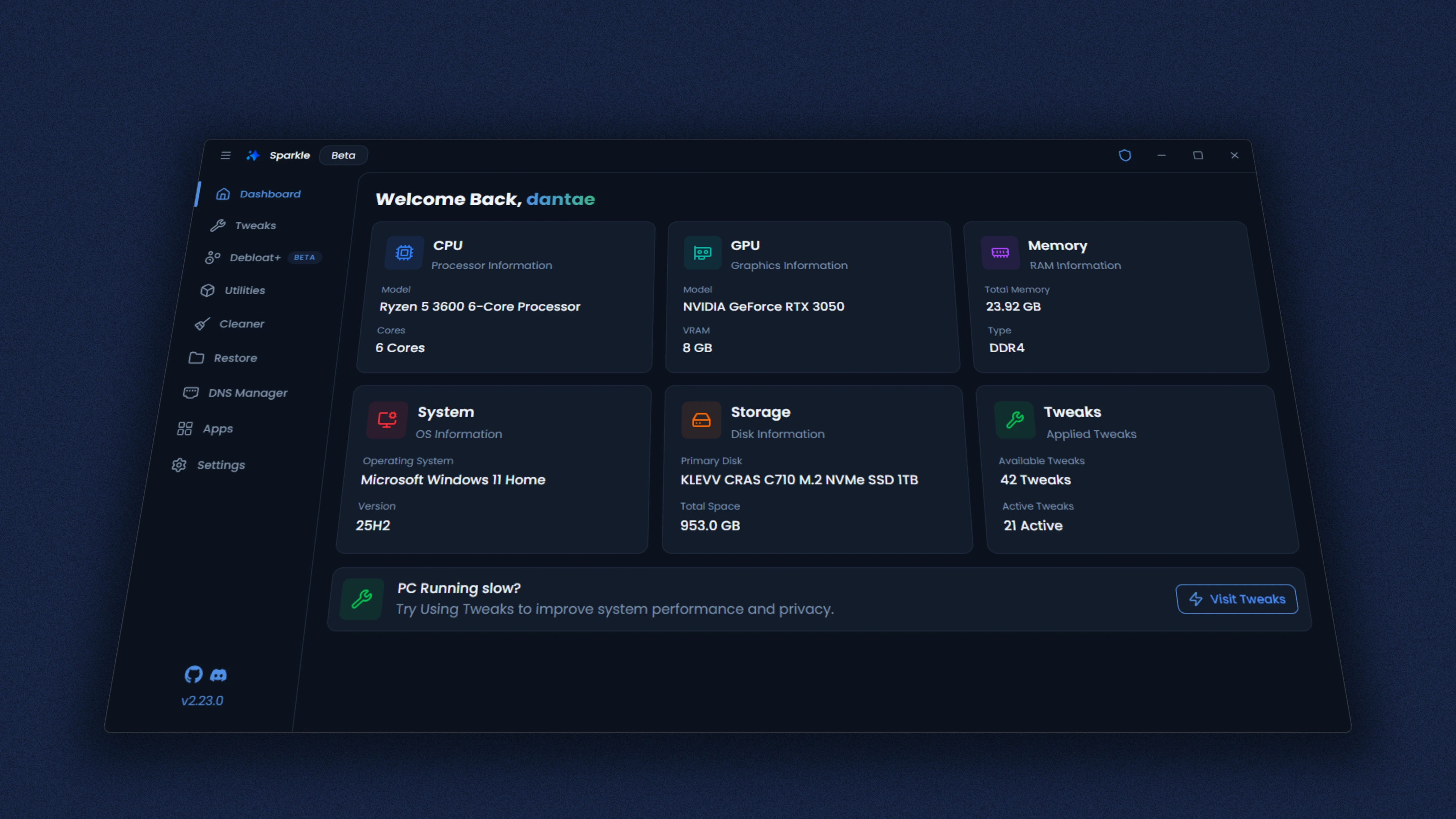
What changes over time
Windows updates can add new apps, change settings locations or modify service behavior. As Sparkle evolves, the available tweaks, app catalog and cleaner categories can evolve too. A saved screenshot is not a substitute for checking the actual release notes.
What should stay consistent
Create a restore point before system changes. Remove software only when you understand why it was installed. Protect security updates, encryption and antivirus. Compare performance using repeatable measurements rather than relying on a large number of disabled processes.
How to use the app responsibly
Start with low-risk items such as unwanted startup apps or temporary-file cleanup. Use Windows diagnostic tools when a specific error points to them. Save a short log of your changes so you can undo unexpected results after a reboot.
Useful next steps
Read our Windows optimization guides, version-verification checklist and restore-point guide. You can also review the developer release history for original project changes.